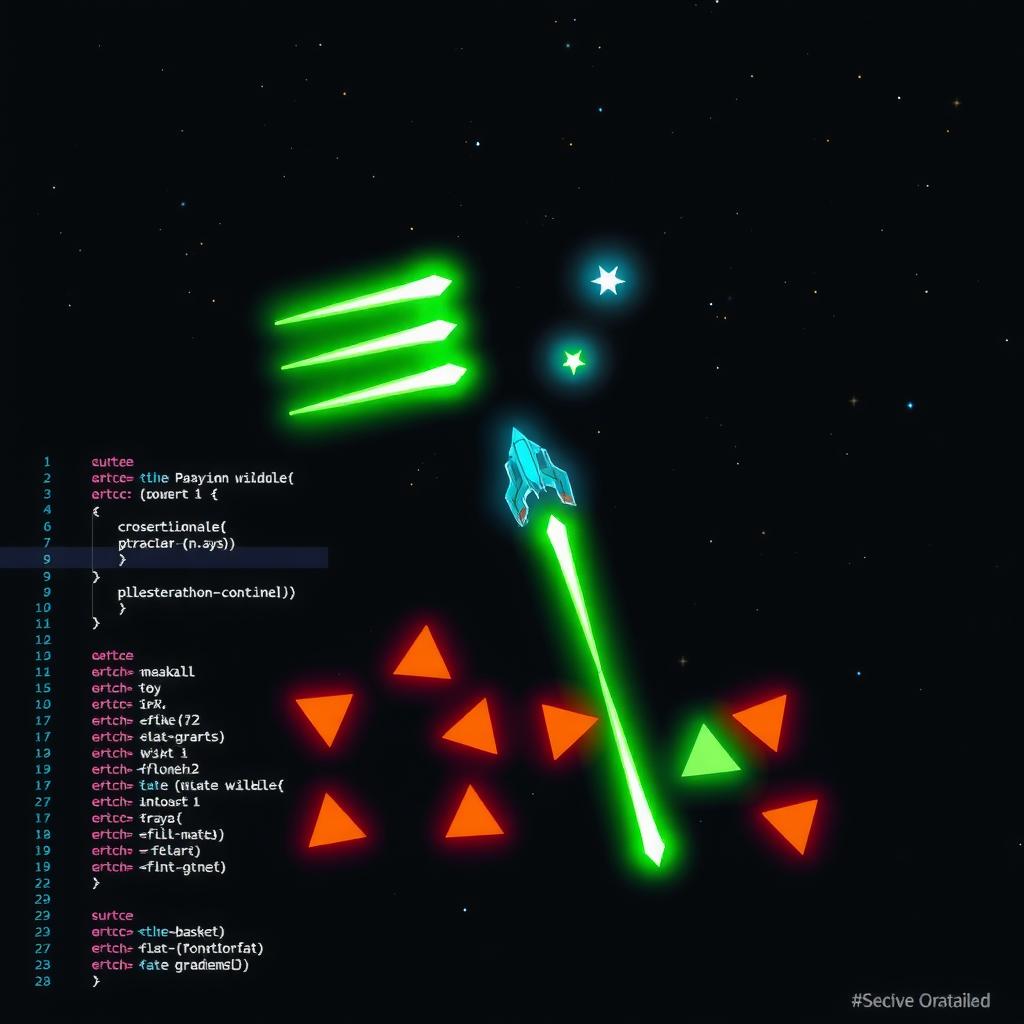
Build a Space Shooter with Phaser.js and AI: Groups, Bullets, and Enemy Waves
The space shooter is one of gaming’s most enduring genres — simple premise, endless replayability, and a perfect teaching tool for Phaser.js fundamentals. In this tutorial, you’ll build a complete vertical space shooter with enemy waves, bullet management, and progressive difficulty.
The entire game fits in about 100 lines of JavaScript. Here’s how.
Built by DeepSeek V4 Flash — tutorial demo, ~100 lines of game logicGame instructions: Move with WASD or arrow keys, fire with Space, press R to restart. Survive as long as you can.
What We’re Building
A side-view space shooter where you control a ship at the bottom of the screen. Enemies spawn from the top in increasing numbers. Shoot them for points, avoid collisions. Three lives, escalating difficulty, clean game-over loop.
Core mechanics:
- Player movement in all four directions (bounded to the screen)
- Bullet firing with a rate limiter (250ms between shots)
- Enemies spawn from random x-positions at increasing speed
- Overlap detection handles bullet-enemy and enemy-player collisions
- Difficulty ramps every 10 seconds (faster spawns, faster enemies)
- Invulnerability frames after taking a hit (1.5 seconds)
Three Phaser.js concepts do all the heavy lifting: sprite generation, plain-array overlap detection, and timed events.
Code Walkthrough
1. Sprite Generation with make.graphics()
Every visual in the game — ship, bullet, enemy — is created programmatically in preload() using Phaser’s Graphics API. No external assets needed:
let g = this.make.graphics({ add: false });

// Player ship — cyan triangle pointing up
g.fillStyle(0x00d4ff);
g.fillTriangle(16, 0, 0, 32, 32, 32);
g.generateTexture('ship', 32, 32);
g.clear();

// Bullet — small green rectangle
g.fillStyle(0x00ff87);
g.fillRect(1, 0, 4, 10);
g.generateTexture('bullet', 6, 10);
g.clear();

// Enemy — orange inverted triangle
g.fillStyle(0xff6b35);
g.fillTriangle(16, 32, 0, 0, 32, 0);
g.generateTexture('enemy', 32, 32);
g.destroy();
this.make.graphics({ add: false }) creates an off-screen Graphics object. You draw shapes onto it, call generateTexture(name, width, height) to bake it into a reusable texture, then destroy the graphics object. This pattern is essential for Phaser 3.60 — avoid this.textures.generate() with object config, which creates invisible 1×1 textures in WebGL mode.
2. Plain Arrays for Overlap Detection
Phaser 3.60 has a known issue where Physics.Arcade.Group can cause the WebGL render pipeline to silently fail — the game loop runs, objects exist, but the canvas stays black. The fix is using plain JavaScript arrays for dynamic object collections:
this.bullets = [];
this.enemies = [];

// Register overlap once — works with array references
this.physics.add.overlap(this.bullets, this.enemies, this.hitEnemy, null, this);
this.physics.add.overlap([this.ship], this.enemies, this.hitPlayer, null, this);
When you push new sprites into the arrays after registration, Phaser dynamically detects them. The collision callback receives the two overlapping objects:
hitEnemy(bullet, enemy) {
  bullet.destroy();
  this.bullets = this.bullets.filter(b => b.active);
  enemy.destroy();
  this.enemies = this.enemies.filter(e => e.active);
  this.score += 10;
  this.scoreText.setText('Score: ' + this.score);
}
Cleanup in update() removes sprites that exit the screen, preventing memory leaks:
for (var i = this.bullets.length - 1; i >= 0; i--) {
  if (this.bullets[i].y < -20) {
    this.bullets[i].destroy();
    this.bullets.splice(i, 1);
  }
}
3. Timed Enemy Spawning with Difficulty Ramp
Phaser’s time.addEvent() creates a repeating timer that spawns enemies:
this.enemyTimer = this.time.addEvent({
  delay: 1000,        // every 1 second
  callback: this.spawnEnemy,
  callbackScope: this,
  loop: true
});
Each enemy spawns at a random x position with a downward velocity:
spawnEnemy() {
  var x = Phaser.Math.Between(24, W - 24);
  var e = this.physics.add.sprite(x, -20, 'enemy');
  e.setVelocityY(Phaser.Math.Between(80, 150));
  this.enemies.push(e);
}
Difficulty ramps by checking elapsed time every frame. Every 10 seconds, the spawn interval decreases and enemy speed increases:
var elapsed = this.time.now / 1000;
var wave = Math.floor(elapsed / 10);
if (wave > this.waveLevel) {
  this.waveLevel = wave;
  this.enemyTimer.delay = Math.max(300, 1000 - wave * 100);
}
This creates a natural difficulty curve without complex state machines. The Math.max(300, ...) clamp prevents spawns from becoming impossibly fast.
How AI Helped
The game was built with DeepSeek V4 Flash on OpenRouter (temperature 0.7, max tokens 8,192). The prompt focused on three specific Phaser requirements that models frequently get wrong:
Prompt:
“Create a Phaser.js 3.60 space shooter where the player ship is a cyan triangle at the bottom, enemies are orange inverted triangles spawning from the top, and bullets are small green rectangles. Use
make.graphics()for textures in preload — NOTtextures.generate(). Use plain JavaScript arrays for bullets and enemies, NOT Physics.Arcade.Group. Enemies spawn every 1 second with a timed event, difficulty increases every 10 seconds. Player moves with WASD/arrows, fires with Space at 250ms intervals. 3 lives with 1.5s invulnerability after hit. Score +10 per kill. Game over screen with R to restart.”
What the AI got right first try:
make.graphics()+generateTexture()pattern — correct API usage- Plain arrays for overlap detection — no group-related render bugs
- Timed event with difficulty ramp
- Invulnerability frames with alpha feedback
- Clean game over / restart loop
What needed adjustment:
- The initial output used
physics.add.group()for enemies (spec was clear on arrays but the model defaulted to group syntax). One sentence fix: “Replace the group with a plain array.” - Score text was created in
update()on the first pass — a common model mistake that stacks dozens of text objects per frame.
This is the value of explicit prompts: the more Phaser-specific constraints you include, the fewer iterations you need.
Try It Yourself
The game is intentionally minimal — about 100 lines of game logic. Here are remix ideas:
| Idea | What to Change | Phaser Concept |
|---|---|---|
| Power-ups | Add a rare green power-up that drops from enemies | overlap() with a third array |
| Explosion effect | Flash a circle sprite when enemy dies | tweens for visual feedback |
| Boss wave | Every 30 seconds, spawn a larger enemy that takes 3 hits | Custom enemy with HP tracking |
| Mobile controls | Add on-screen touch buttons for movement and fire | pointer events |
| Sound effects | Add an AudioContext playTone() function on collisions |
Web Audio API integration |
Each of these builds on the same core pattern: plain arrays for objects, make.graphics() for textures, and time.addEvent() for spawn management.
Full Code Reference
The complete game source is in the repository — ~130 lines of HTML + CSS + JS. The game logic itself is under 100 lines.
Key files:
public/games/phaser-space-shooter-tutorial/index.html— standalone game page with nav bar and stats tablesrc/content/blog/phaser-space-shooter-tutorial.md— this tutorial
The game runs on Phaser 3.60.0 loaded from CDN, uses Arcade Physics with no gravity (top-down space setting), and has been tested on Chrome, Firefox, and Safari.
What You Learned
- Programmatic textures —
make.graphics()+generateTexture()for zero-asset game development - Plain arrays for physics overlaps — avoiding the Phaser 3.60 group render bug
- Timed events for game loops —
time.addEvent()for spawning and difficulty ramps - Invulnerability pattern —
setAlpha()+delayedCall()for hit feedback - Clean object lifecycle — destroying and filtering off-screen sprites
The space shooter pattern is a template you can extend into almost any action game. Add power-ups, enemy types, boss waves, or a shop system — the core Phaser architecture stays the same.