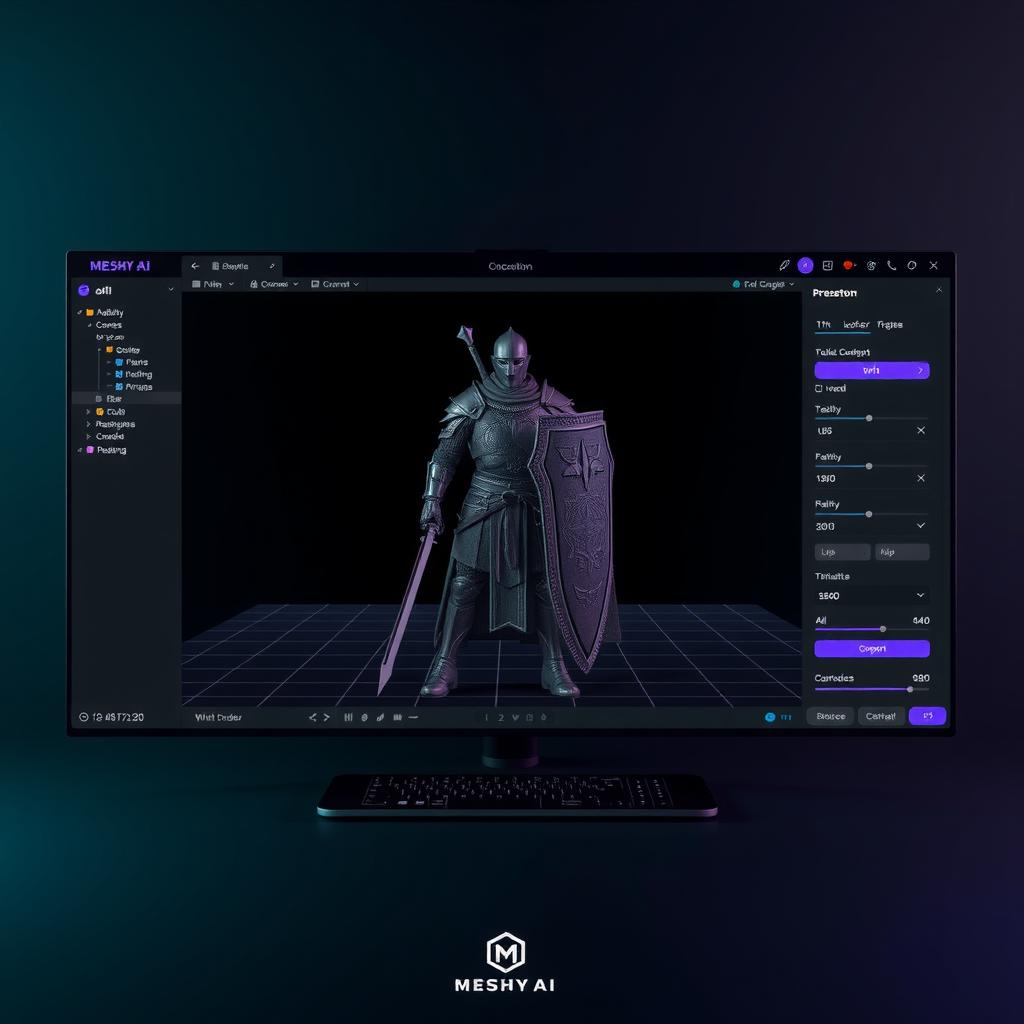
Meshy AI Review 2026: Can AI-Generated 3D Assets Replace Manual Modeling?
An honest, hands-on review of Meshy AI for game developers — text-to-3D, image-to-3D, AI texturing, pricing, and whether it's worth your time in 2026.
Generating 3D game assets has historically meant one of two things: paying a professional artist hundreds of dollars per model, or spending weeks learning Blender. AI 3D generation tools promise to collapse that timeline to minutes. I spent a week with Meshy — the most popular AI 3D model generator in 2026 — to find out how close it actually gets to production-ready.
This isn’t a sponsored review. Meshy’s own blog ranks it as the best full-pipeline tool among 7 competitors (source). I wanted to verify that claim myself.
What Meshy Does
Meshy is an AI-powered 3D modeling platform. You give it a text prompt or a reference image, and it generates a textured 3D model in about 60 seconds. It’s built for game developers, 3D printing enthusiasts, and creators who need rapid asset generation without deep 3D modeling skills.
The core pipeline covers five stages:
- Text-to-3D — Describe what you want, get a mesh
- Image-to-3D — Upload a 2D reference, get a 3D reconstruction
- AI Texturing — Add PBR materials (base color, metallic, roughness, normal maps) to any uploaded model
- Auto-rigging — Skelton and weight-paint characters in one click
- Animation presets — 500+ built-in motion clips (walk, run, attack)
Supported export formats: .fbx, .obj, .glb, .usdz, .stl, .blend. It has official plugins for Blender and Unity (source).
Hands-On: Testing Three Workflows
I ran three real-world game asset generation tasks through Meshy’s free tier (100 credits/month).
Text-to-3D: “Medieval Knight with Sword and Shield”
I prompted: “A medieval knight in full plate armor, holding a longsword and a shield with a cross emblem, realistic style, standing pose.”
Generation took about 45 seconds. The first output was… mixed. The chest armor and helmet had reasonable geometry — identifiable shape language with distinct pauldrons and a visored helm. The shield came out correctly positioned. The sword, however, was fused to the gauntlet with no clear grip separation. The face behind the visor was melted geometry.
I used 3 credits to refine: the second pass improved the sword/hand separation, but the face remained a low-detail blob. Applying PBR texturing (another 3 credits) added metallic sheen to the armor and a passable leather texture to the belt. The shield emblem was too blurry to read.
Verdict: Good for background characters, environmental statues, or rapid concept exploration. Not ready for a close-up hero model.
Image-to-3D: Fantasy Potion Bottle
I uploaded a clean 2D illustration of a fantasy potion bottle (simple silhouette, clear lighting). This is where Meshy shines compared to text-to-3D. The AI reconstructed the shape accurately — the bottle’s taper, the cork, even the liquid level inside the glass. PBR texturing added realistic glass transparency and a glowing blue liquid.
One refinement pass (2 credits) cleaned up the base geometry. The final export into Unity via the Meshy plugin (source) worked without issues.
Verdict: Image-to-3D is Meshy’s strongest feature. If you have concept art, you can get a usable prop in under 2 minutes.
Auto-rigging: Character Animation
I took a generated humanoid knight model and clicked “Auto Rig.” The system correctly identified joint positions — shoulders, elbows, knees, hips — on the first try. Applying a “walk” animation from the preset library produced a functional, if slightly stiff, walking cycle. Quadruped rigging also worked on a generated wolf model.
The animations are generic — you won’t get mocap-quality motion — but they’re good enough for prototyping, background NPCs, or mobile games where animation quality isn’t the focus.
Where Meshy Excels
Speed is the killer feature. Every generation I ran completed in under 90 seconds. The iterative workflow (generate → preview → refine → texture) lets you cycle through 5-10 asset ideas in a single session, which is transformative for early prototyping and game jams.
The texturing pipeline is genuinely impressive. Meshy’s AI PBR texturing produces higher-quality surface materials than any other AI 3D tool I tested. The metallic/roughness workflow maps directly to physically based rendering pipelines in Unity and Unreal. This alone saves hours of manual UV work.
The Blender plugin integration (source) means you can generate a base mesh in Meshy, then export directly into Blender for manual refinement without format conversion issues.
Commercial licensing is straightforward. Paid plans give you full ownership of generated assets. Free plan assets use CC BY 4.0 — you can sell them, just credit Meshy (source).
Where It Falls Short
Topology is still a problem. Every model I generated needed manual retopology before it could be used in a real game. The AI produces triangle-heavy meshes with irregular edge flow — fine for static props, problematic for anything that needs to deform (characters, creatures with cloth). On G2, Meshy holds a 4.7/5 rating across 2,832 reviews (source), but topology quality is the most common complaint in the written reviews.
Inconsistent quality on complex shapes. Human faces, hands, and overlapping geometry (sword held against armor) frequently produce “melted” artifacts. Reddit users report similar issues — “Meshy is far from perfect. Even with images it often screws up the 3D model” (source). You’ll get usable results maybe 60% of the time; the rest needs regeneration or manual fixing.
The credit system punishes iteration. Free tier: 100 credits/month. Each generation costs 1-3 credits. A single refinement pass costs 2-3 credits. Texturing costs 3-5 credits. One good model can cost 10-15 credits when you factor in multiple generations, refinements, and texturing. On the free tier, you can produce about 6-8 fully finished models per month. Pro ($20/mo) gives 1,000 credits — enough for hundreds of iterations.
No vertex-level editing. You can’t tweak individual vertices or faces inside Meshy. Every shape correction requires exporting to Blender. This makes the tool strictly a “first draft” generator — you always need a secondary 3D tool in your pipeline.
Pricing (June 2026)
| Plan | Monthly | Credits/Month | Key Features |
|---|---|---|---|
| Free | $0 | 100 | 1 concurrent task, CC BY 4.0 license |
| Pro | $20 ($16/mo annual) | 1,000 | API access, 60% faster gen, 10 concurrent, private assets |
| Studio | $60 ($48/mo annual) | 4,000 | 20 concurrent, more retries, priority queue |
| Enterprise | Custom | 50,000+ | Dedicated support, unlimited retries |
Source: Meshy pricing page
The Pro plan at $20/month is the best value for solo indie devs. Studio at $60/month makes sense for small teams. The free tier is genuinely useful for evaluation — just don’t expect to ship a game on it.
How It Compares to Alternatives
- Tripo AI — Better topology, weaker texturing. Better if you need clean geometry for animation. Similar pricing.
- Sloyd — Parametric controls with real-time sliders. Better for modular asset creation. No animation support.
- Rodin (Deemos) — Highest mesh quality, 4K PBR textures. Significantly more expensive ($50+/mo). Overkill for prototyping.
- Scenario — Best for style-consistent 2D→3D for established game art styles. Weaker at one-off generation.
Meshy’s advantage is breadth: it covers more stages of the pipeline (generation → texturing → rigging) than any competitor. No other tool in its price range offers auto-rigging with 500+ animation presets (source).
Final Verdict
Meshy is the best entry-level AI 3D tool for game developers in 2026. If you need rapid asset prototyping, environmental props, or background characters, it will save you hours. The image-to-3D pipeline and PBR texturing are genuinely impressive. The auto-rigging system, while basic, works.
It is not a replacement for manual 3D modeling. Every asset needs retopology. Complex characters need manual face and hand cleanup. The tool accelerates the front of the pipeline but doesn’t eliminate the back half.
Who should buy it:
- Indie devs prototyping games and needing placeholder assets fast
- Solo creators doing game jams
- Concept artists who want to bridge 2D → 3D quickly
- 3D printing hobbyists (97% slicer pass rate)
Who should skip it:
- AAA studios needing production-ready topology
- Developers who need vertex-level control
- Anyone expecting “one click, finished model”
Start with the free tier, generate a few props, and see if the speed-to-quality tradeoff works for your pipeline. For $20/month Pro, it’s one of the best value tools in the AI game dev space.
Analysis by DeepSeek V4 Flash. All pricing and feature claims sourced from meshy.ai/pricing and (meshy.ai/blog)[https://www.meshy.ai/blog/best-ai-tools-for-3d-game-assets] as of June 2026.